

An IPTV service isn’t just for the living room anymore. Across Canada, bars, restaurants, barbershops, gyms, and small multi-unit rental properties are quietly switching from expensive commercial cable packages to IPTV — saving thousands of dollars a year while gaining access to a vastly larger channel lineup. And whether you’re a residential subscriber or a business owner, sooner or later you’ll run into a technical hiccup — buffering, a frozen channel, a login that suddenly stops working.
This guide takes a different angle on IPTV service in Canada than the typical consumer comparison. We cover how businesses across Ontario and the rest of Canada are using IPTV commercially to cut costs without sacrificing content, and we provide a complete, practical troubleshooting playbook for the most common issues subscribers run into — so you can fix problems yourself in minutes instead of waiting on hold.
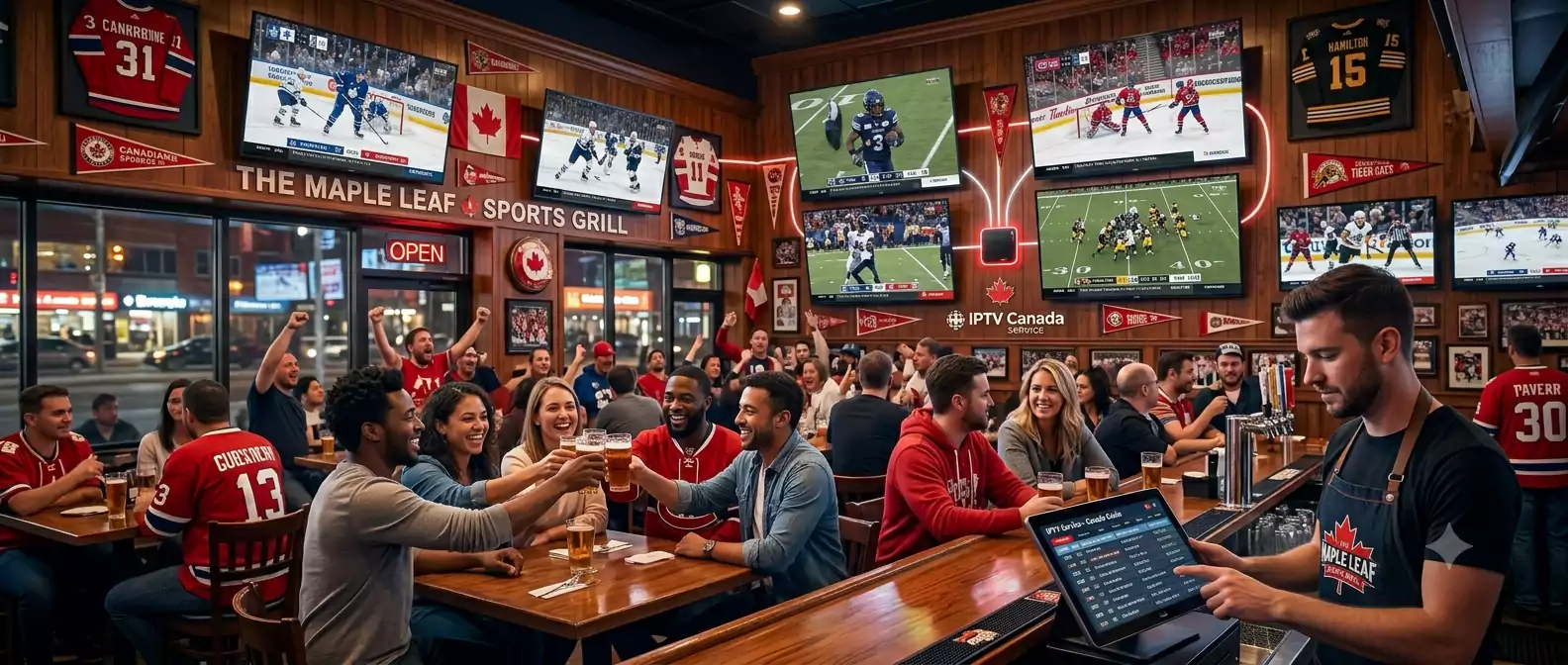
Using IPTV Service for Commercial and Business Settings in Canada
A growing number of Canadian small business owners are discovering that a residential-grade IPTV service can replace expensive commercial cable packages that cost hundreds of dollars per month — without losing the channel variety their customers expect.
Sports Bars and Restaurants
A sports bar in Brampton, Mississauga, or anywhere in the GTA needs reliable access to every major game — NHL, CFL, NFL, NBA, and international soccer — across multiple screens simultaneously. Traditional commercial cable packages from Rogers or Bell Business typically charge significantly more than residential rates for the same content, plus mandatory commercial licensing fees.
With a Premium multi-connection IPTV service like IPTV Brampton, a bar owner can run multiple TVs off separate device connections, each tuned to a different game, at a fraction of commercial cable pricing. TSN’s five feeds and Sportsnet’s six regional feeds mean there’s almost always a way to show every game your patrons want to watch on a given night.
Barbershops, Salons, and Waiting Areas
Businesses with a single TV for ambiance — barbershops, hair salons, medical and dental waiting rooms, auto repair shops — don’t need a complex commercial setup. A single Amazon Fire TV Stick connected to an IPTV service subscription delivers a wide channel selection (news, sports, entertainment, multicultural content reflecting Brampton’s diverse community) for a fraction of what a basic commercial cable package costs.
Gyms and Fitness Studios
Gyms benefit from variety — different TVs can run sports, news, or music channels depending on the zone of the facility. An IPTV service with 20,000+ channels gives gym owners far more flexibility than the limited bundle most cable providers offer for commercial accounts.
Small Rental Properties and Multi-Unit Buildings
Landlords managing short-term rentals, Airbnbs, or small multi-unit buildings increasingly include IPTV access as a tenant amenity instead of paying for individual cable hookups in every unit. A single IPTV service subscription with multiple simultaneous connections can serve several units, dramatically simplifying both setup and ongoing cost.
Important note for commercial use: Always confirm with your IPTV service provider whether your intended use is residential or commercial, and choose the connection tier that matches your actual number of simultaneous screens. IPTV Brampton’s Premium plans support multi-device simultaneous streaming, which is the foundation for any business application.
Complete IPTV Service Troubleshooting Guide
Even the most reliable IPTV service occasionally runs into hiccups — usually solvable in under five minutes once you know where to look. Here is a practical, step-by-step troubleshooting playbook covering the issues subscribers report most often.
Problem 1 — Buffering or Frozen Picture
Most likely cause: Insufficient or unstable bandwidth reaching your streaming device.
Fix it yourself:
- Switch from WiFi to a wired Ethernet connection if your device supports it — this alone resolves the majority of buffering complaints
- Restart your router and streaming device (unplug both for 30 seconds, then power back on)
- Close other bandwidth-heavy applications running on your network (large downloads, other streaming devices)
- In your IPTV app settings, temporarily lower the stream quality from 4K to HD to confirm whether bandwidth is the root cause
- Run a speed test at Speedtest.net — you need at least 25 Mbps for stable 4K, 10 Mbps for HD
Problem 2 — Channel Won’t Load or Shows an Error
Most likely cause: A temporary server-side issue with that specific channel, or an outdated channel list.
Fix it yourself:
- Try a different channel to confirm whether the issue is isolated to one channel or affects the whole service
- Force-close and reopen your IPTV app
- In TiviMate or IPTV Smarters Pro, manually refresh the playlist (Settings → Playlist → Refresh)
- If the channel still fails after 10-15 minutes, contact support — it may be a temporary feed issue being resolved server-side
Problem 3 — Login Credentials Suddenly Not Working
Most likely cause: A typo in re-entered credentials, an expired subscription, or a temporary account sync delay.
Fix it yourself:
- Double-check your username, password, and server URL for typos — copy-paste directly from the original email rather than retyping
- Confirm your subscription hasn’t reached its expiry date
- Restart the app completely and re-enter credentials fresh
- If credentials were working yesterday and nothing changed on your end, contact IPTV Brampton support via WhatsApp immediately — this is usually resolved within minutes
Problem 4 — Poor Picture Quality Despite Fast Internet
Most likely cause: Hardware decoding isn’t enabled, or the app is defaulting to a lower-quality stream.
Fix it yourself:
- In your app’s player settings, enable “Hardware Decoding” or “HW+ Decoder” if available
- Manually select the highest quality option for that channel if multiple quality tiers exist
- Confirm your TV or device actually supports 4K — older devices may cap resolution regardless of the source stream
- Check that your HDMI cable supports 4K (older HDMI cables can bottleneck the signal)
Problem 5 — App Crashes or Freezes Repeatedly
Most likely cause: Outdated app version or insufficient device memory.
Fix it yourself:
- Check for app updates in the Google Play Store, App Store, or Amazon App Store
- Clear the app’s cache (Settings → Apps → [App Name] → Clear Cache on Android devices)
- Restart your streaming device entirely
- If the device is older (5+ years), consider whether it has the processing power for 4K decoding — an Amazon Fire TV Stick 4K Max upgrade often resolves persistent crashes on aging hardware
Problem 6 — EPG (Program Guide) Not Showing Correct Information
Most likely cause: EPG data hasn’t refreshed recently.
Fix it yourself:
- In TiviMate: Settings → EPG → Update Now
- In IPTV Smarters Pro: Settings → Reload EPG
- Allow several minutes for the full 7-day guide to repopulate
- If EPG remains blank or incorrect after a manual refresh, contact support — this is occasionally a server-side data feed issue
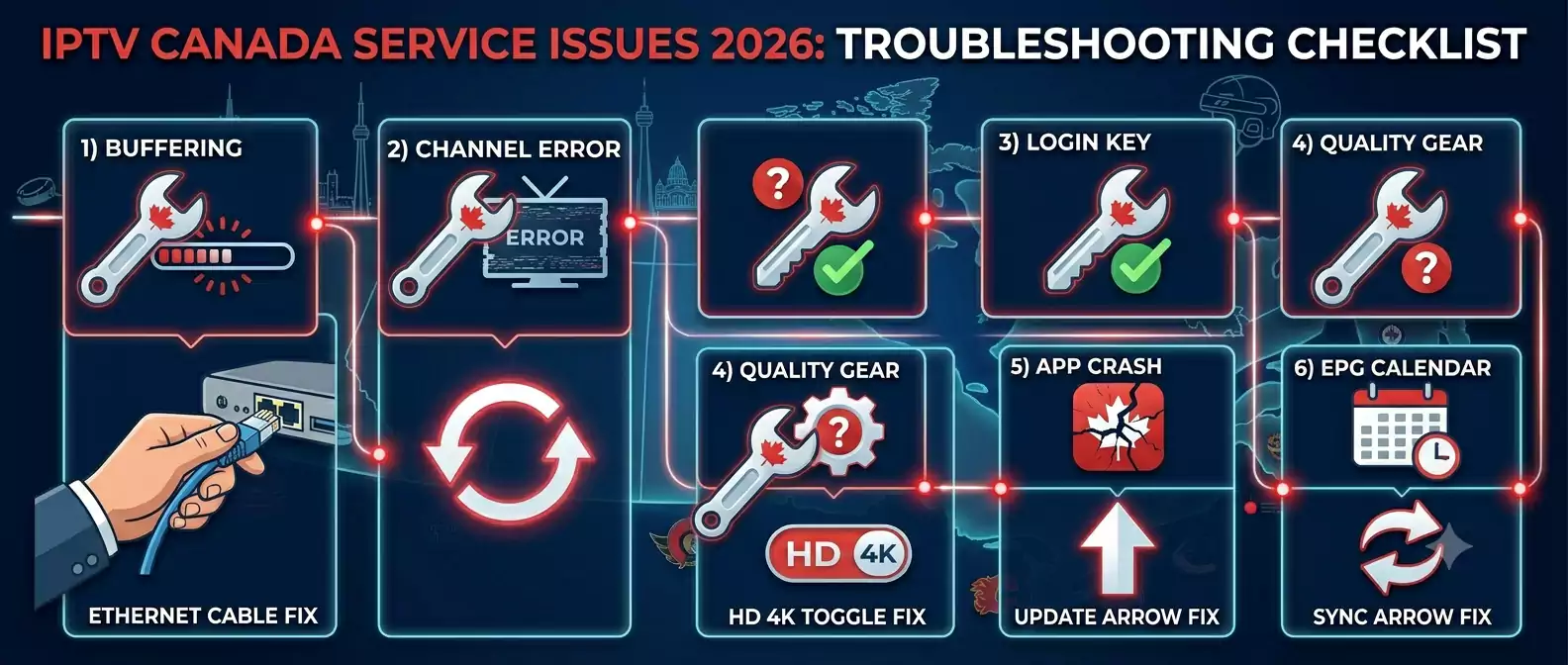
When to Stop Troubleshooting and Contact Support
Most IPTV service hiccups resolve with the steps above in under five minutes. But certain situations call for contacting support immediately rather than continuing to troubleshoot alone:
- Your credentials worked yesterday and stopped working today with no changes on your end
- Multiple channels are down simultaneously across different categories (suggests a server-side issue, not a local network problem)
- The issue persists after a full router and device restart plus an Ethernet connection test
- You’re setting up on a new device for the first time and the app won’t connect at all
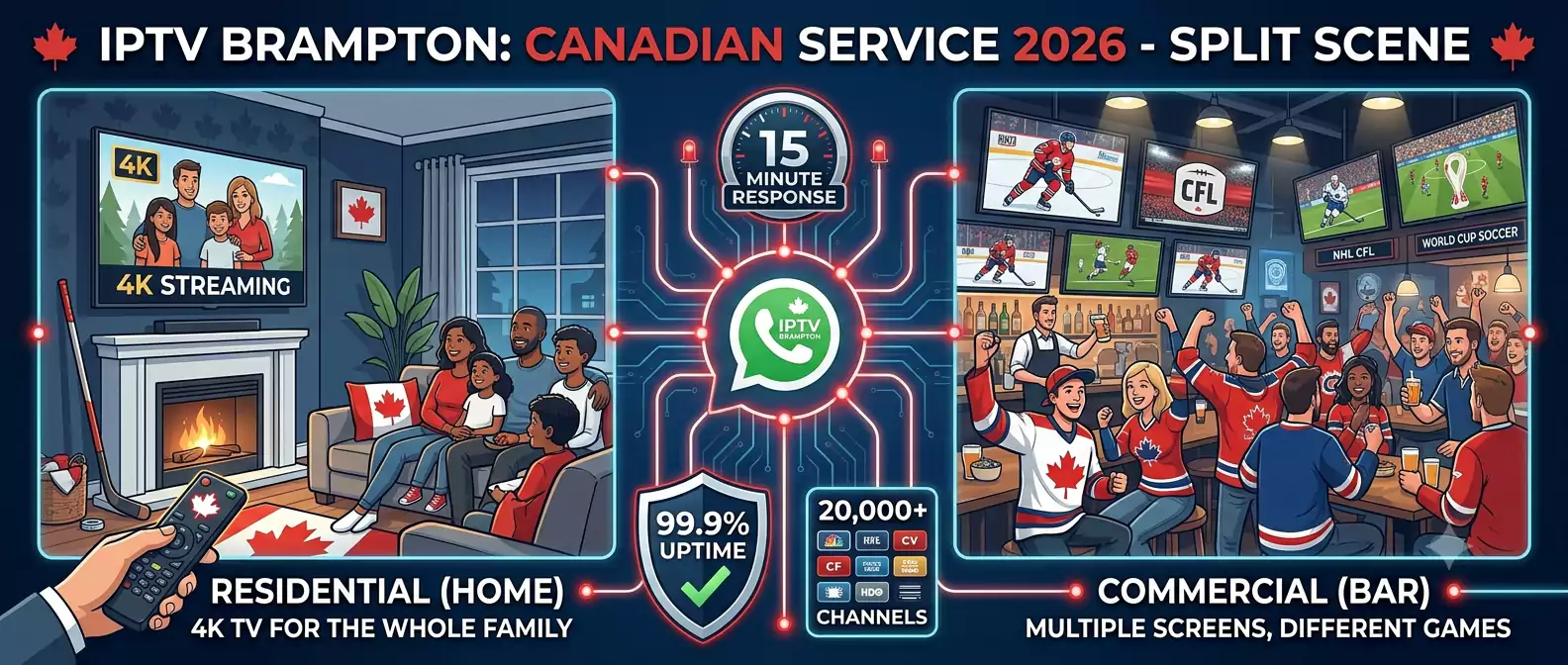
IPTV Brampton’s support team is available 24/7 via WhatsApp through our Contact page, with typical response times under 15 minutes. For business customers managing multiple screens, mentioning that you’re troubleshooting a commercial setup helps our team prioritize and resolve the issue with your specific multi-device configuration in mind.
Why IPTV Brampton Works Well for Both Home and Business Use
IPTV Brampton is built to handle both casual residential streaming and more demanding commercial applications:
Multi-connection Premium plans — Support simultaneous streams across multiple devices, essential for sports bars, gyms, and multi-screen commercial setups.
20,000+ channels including all major Canadian networks (CBC, CTV, Global, City TV), the full TSN and Sportsnet lineups for sports-focused businesses, and 50+ countries of international content reflecting the diverse customer base many Brampton-area businesses serve.
99.9% uptime with anti-buffering technology — Critical for any business setting where a frozen screen during a big game reflects poorly on the establishment.
24/7 support — Available whenever an issue arises, whether it’s 2pm on a Tuesday for a home subscriber or 9pm on a Saturday during a packed game night at a sports bar.
Transparent CAD pricing with no long-term contract:
| Plan | Price CAD | Monthly Equivalent |
|---|---|---|
| 1 Month | $12 | $12.00/month |
| 3 Months | $25 | $8.33/month |
| 6 Months | $40 | $6.67/month |
| 12 Months | $70 | $5.83/month |
Full details on our Pricing page. For business owners interested in offering IPTV access as part of their own service (rental properties, resale to local customers), our Reseller Program provides wholesale pricing and a management dashboard.
For setup instructions on any device — residential or commercial — our Setup Guide walks through Smart TV, Fire Stick, Apple TV, Android, and PC/Mac configurations step by step.
Frequently Asked Questions About IPTV Service in Canada
Can I use a residential IPTV service for my bar or restaurant in Canada?
Many Canadian small businesses successfully use a Premium multi-connection IPTV service for commercial settings like sports bars and restaurants. Confirm with your provider that your plan supports the number of simultaneous screens you need — IPTV Brampton’s Premium tier supports multiple simultaneous connections suited to small business use.
What’s the most common cause of IPTV buffering and how do I fix it?
Insufficient or unstable bandwidth is the most common cause. Switch from WiFi to a wired Ethernet connection, restart your router and device, and temporarily test at HD quality instead of 4K to confirm whether bandwidth is the issue. A minimum of 25 Mbps is recommended for stable 4K streaming.
Why did my IPTV service credentials suddenly stop working?
This is usually caused by a typo when re-entering credentials, an expired subscription, or a brief account sync delay. Double-check your username, password, and server URL by copy-pasting from your original confirmation email, restart the app, and contact support via WhatsApp if the issue persists after these checks.
Do I need a different plan for commercial IPTV service use than for home use?
Generally yes — commercial use with multiple simultaneous screens requires a Premium multi-connection plan rather than a single-connection Standard plan. Contact IPTV Brampton support to confirm the right tier for your specific number of screens and use case.
How much does it cost a small business to switch from cable to IPTV service in Canada?
A Premium multi-connection IPTV Brampton plan starts significantly lower than commercial cable packages from Rogers or Bell Business, which often charge $150-300+ CAD monthly for comparable sports and entertainment channel access. Most small businesses save substantially while gaining access to a much larger channel selection.
What should I do if my IPTV service app keeps crashing?
Check for app updates first, then clear the app’s cache, and restart your streaming device. If crashes persist on an older device (5+ years old), the hardware may lack sufficient processing power for 4K decoding — upgrading to a newer device like an Amazon Fire TV Stick 4K Max often resolves this.
Can landlords offer IPTV service as an amenity to tenants in Canada?
Yes, increasingly common for small rental properties and multi-unit buildings. A single subscription with multi-device support can serve several units more cost-effectively than arranging individual cable hookups for each unit. Contact our support team to discuss the right plan configuration for multi-unit use.
How fast does IPTV Brampton support respond to technical issues?
IPTV Brampton’s support team responds via WhatsApp typically within 15 minutes, 24 hours a day, 7 days a week — including during peak times like Saturday night hockey games when a quick fix matters most for both residential and business customers.
Conclusion — A Versatile IPTV Service for Every Canadian Setting
A quality IPTV service in Canada serves far more use cases than the typical living room subscription — from sports bars in Brampton running multiple games simultaneously, to barbershops keeping customers entertained, to landlords offering streaming as a tenant amenity. And when something does go wrong, most issues are fixable in minutes with the right troubleshooting steps rather than requiring a long support wait.
IPTV Brampton is built to handle both residential and commercial demands: 20,000+ channels, multi-connection Premium plans for business use, 99.9% uptime, and 24/7 support that responds in minutes whether you’re troubleshooting from your living room or your bar’s back office.
Start your free 24-hour trial today — no credit card, no commitment — and see how IPTV Brampton performs for your specific setup. View our complete pricing plans for both home and business use.